
GSE Bookshelf+ Digital Platform
GSE Bookshelf+ is a versatile digital platform that infuses interactive learning features and state standards to enhance your classroom experience with an online social studies curriculum.
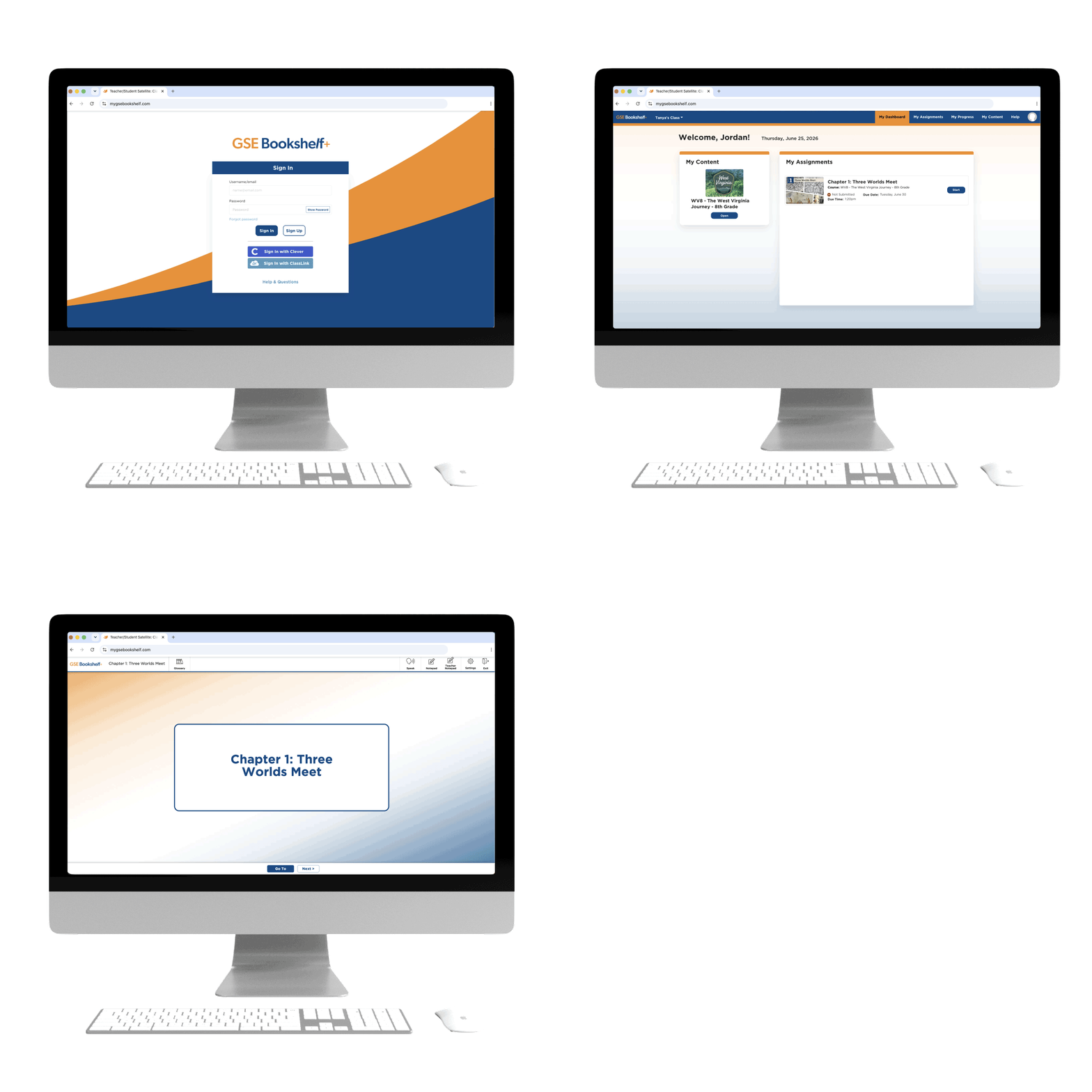
GSE Bookshelf+ at a glance...
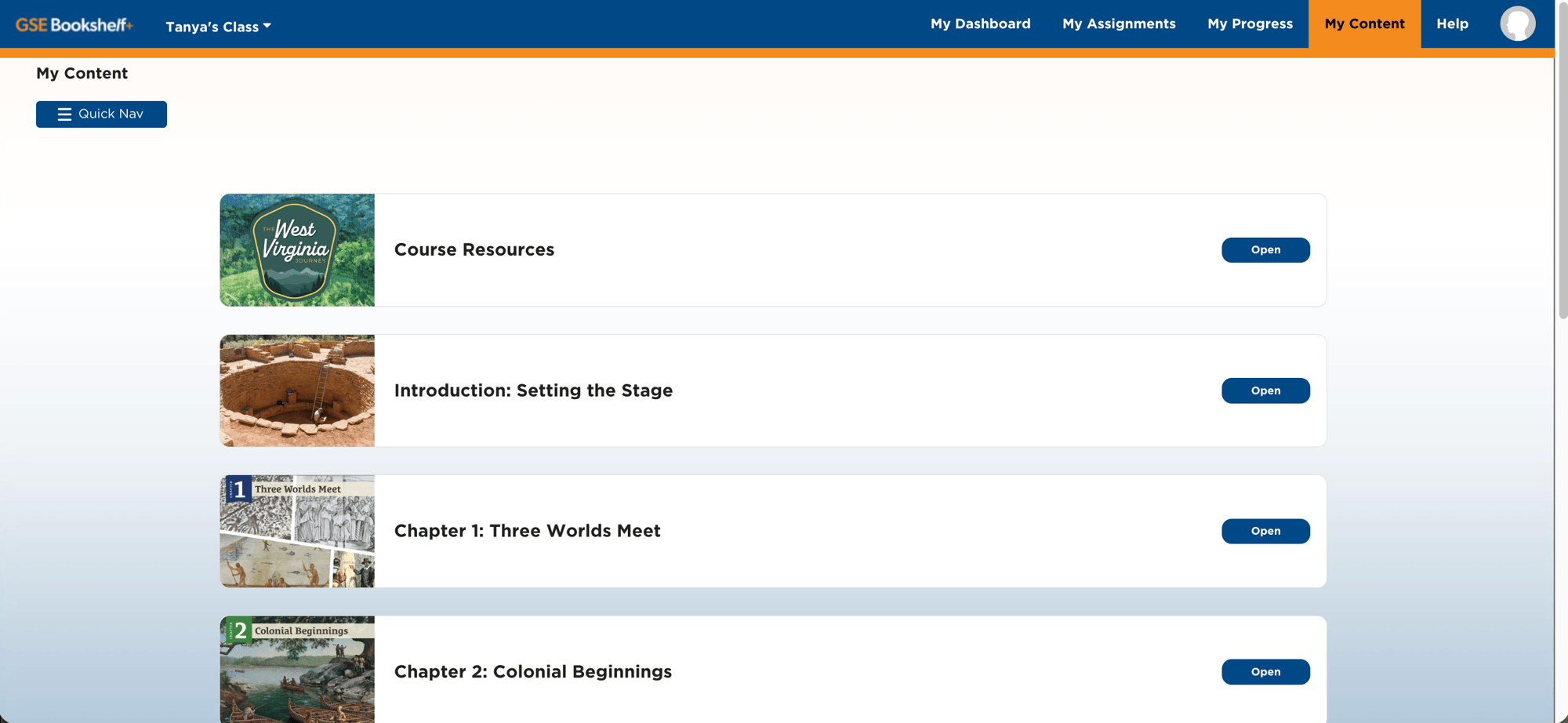
Modular Content
Content delivered in easy-to-manage learning modules
- Organize curriculum into manageable learning modules
- Assign content in a logical, consistent sequence
- Support flexible implementation across classrooms
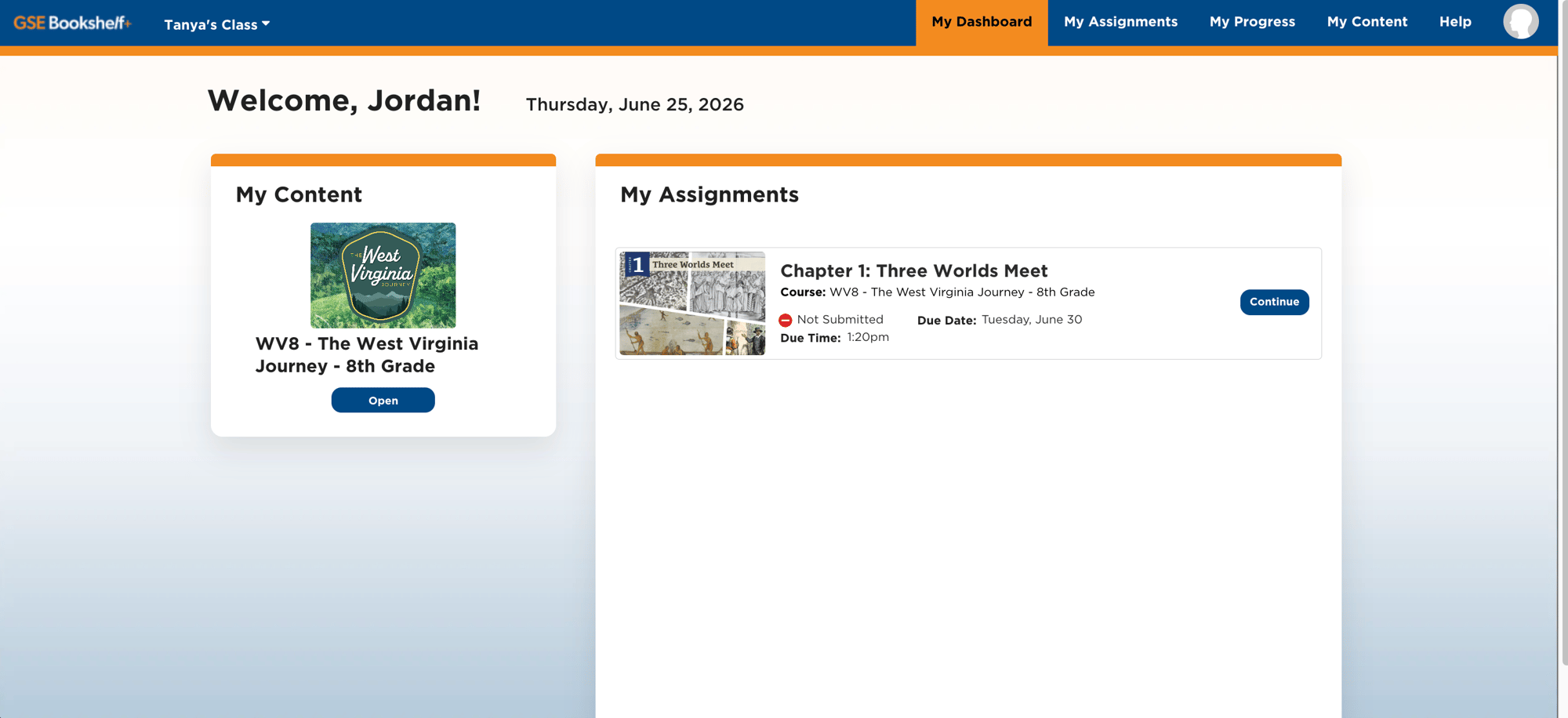
Student Dashboard
A centralized workspace that keeps students focused and organized
- One place to access assignments and course materials
- Helps students stay organized and on track
- Keep students informed with clear assignment visibility

Advanced Annotations
Support active learning with built-in annotation features
- Enable students to draw, highlight, add text boxes, and create sticky notes
- Encourage close reading, critical thinking, and active learning
- Review student annotations to better understand learning
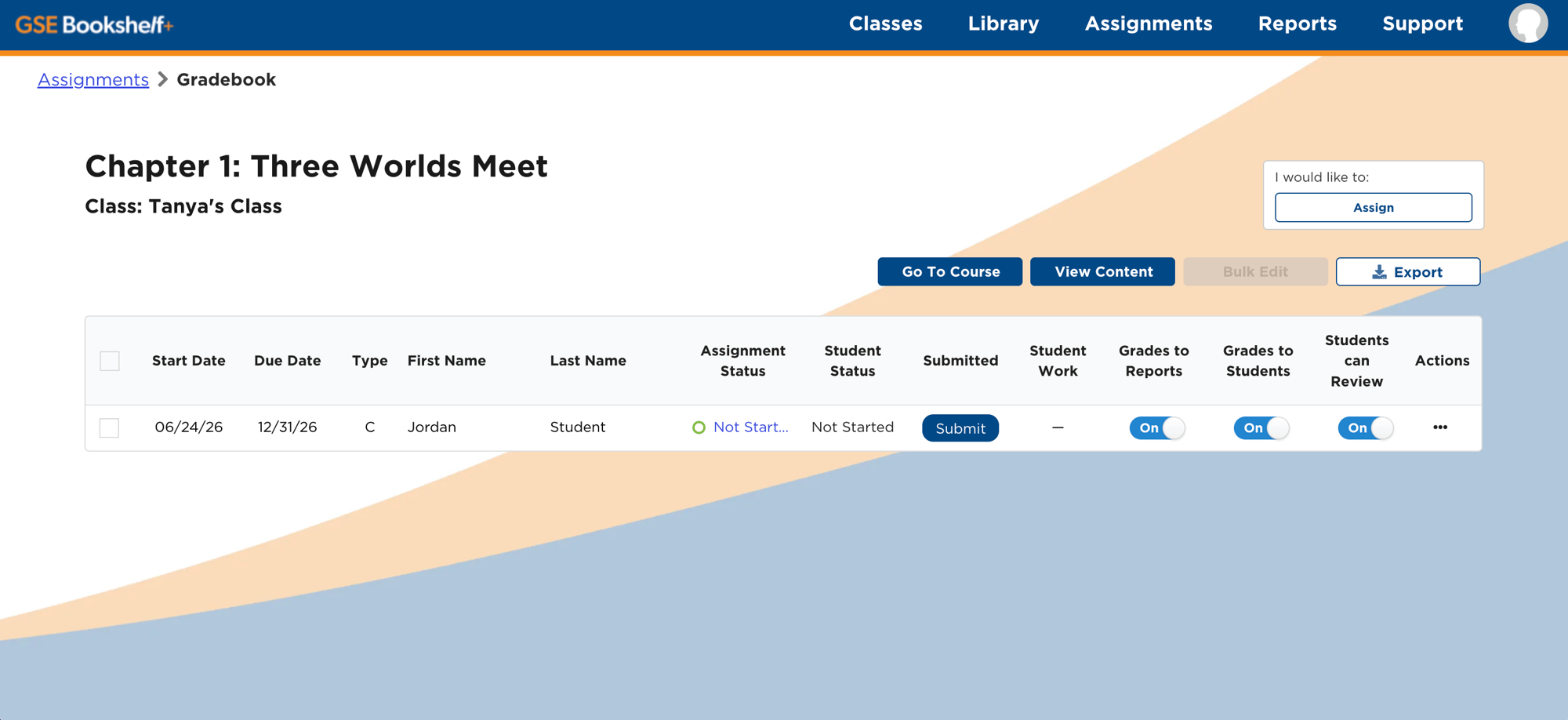
Streamlined Workflow
Save time with intuitive tools designed to simplify classroom management
- Assign work to individual students, groups, or classes
- Grade assignments and provide feedback efficiently
- Reduce administrative tasks so teachers can focus on instruction
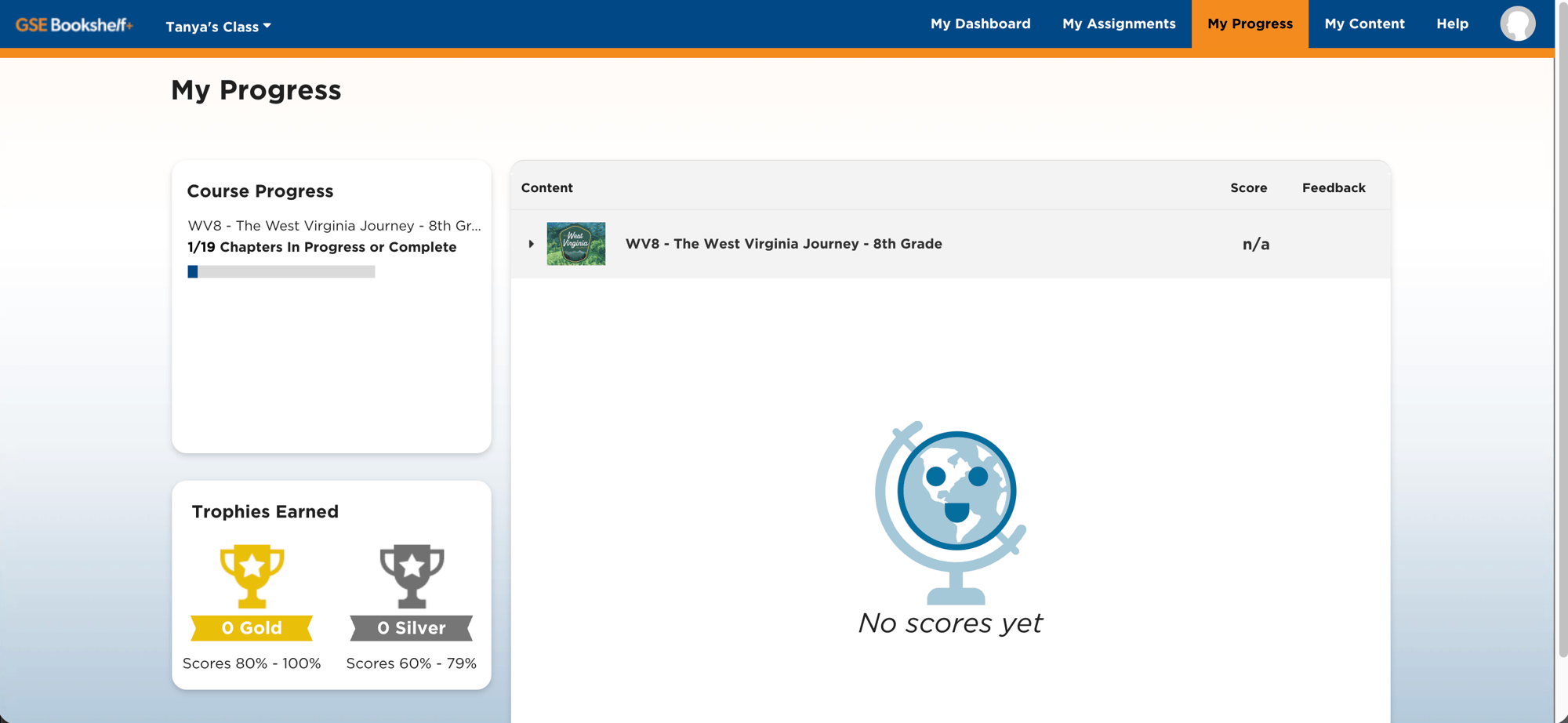
Progress Tracking
Real-time visibility into student progress for teachers and students
- Track assignment completion and student engagement
- Identify learning gaps and additional support needs
- Give students visibility into their own progress
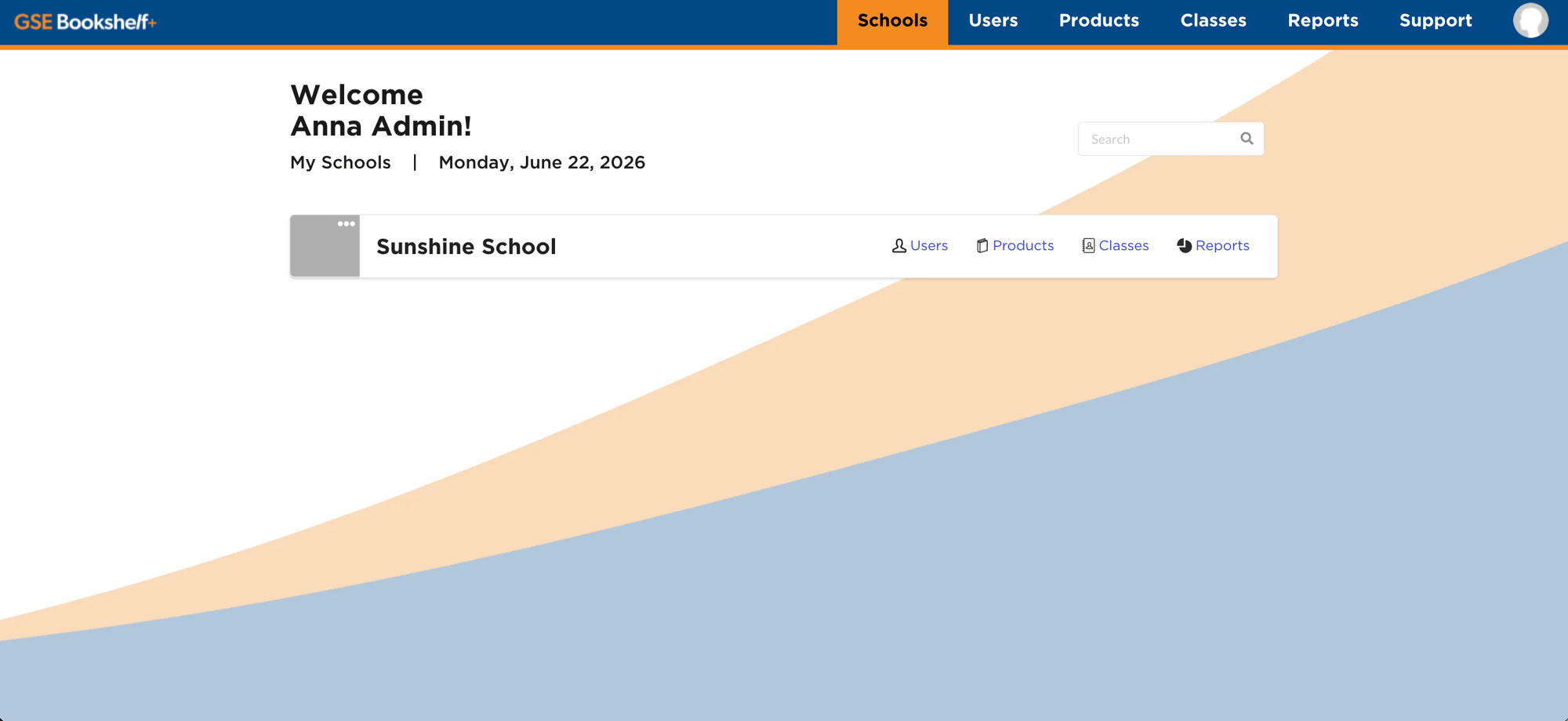
District Management
Centralized administration tools for districts, schools, and classrooms
- Streamlined administration for district administrators, school administrators, and teachers
- Easily organize and manage schools, classes, and users
- Role-based permissions for secure access
Onboarding
We make it easy to get started. GSE Bookshelf + offers various supported methods for rostering, single sign-on, and LTI, giving you the ability to select a familiar method to ensure a smooth onboarding.
Data Privacy
We have entrusted rostering and data management to our customers. This allows you to have complete control over your accounts and ensures the security of your data.
Ready to Trial GSE Bookshelf+?
Choose a program and experience GSE Bookshelf + free for 14 days.
For a personalized pricing solution, request a custom quote.
Frequently Asked Questions
Here are a few common questions we get about GSE Bookshelf+. If you don't see what you're looking for, reach out to us anytime.
How does Gibbs Smith Education align its social studies curriculum with state standards?
Anyone who has purchased content, has access to a computer, tablet, or mobile device, and has an internet connection can access GSE Bookshelf+.
What Rostering and SSO methods are available for GSE Bookshelf+?
Supported Rostering Methods: Manual Rostering, OneRoster API or SFTP, Clever, Google Classroom, and ClassLink API.
Supported SSO Methods: SAML, Clever, Google, ClassLink, and LTI.
Where can I find the Terms of Use and Privacy Policy?
You can access our Terms of Use and Privacy Policy by navigating to the footer section of our website. Alternatively, these documents can also be accessed directly via the links below.